Advanced lesson settings
In this article, you will learn how to adjust the advanced lesson settings.
Before publishing an exploration, make sure you’ve filled out all the necessary fields in the Settings page. To learn more, go to Lesson setup.
To adjust the advanced lesson settings:
Go to Settings.
Select Advanced Features.
Email preferences
By default, you’ll receive email notifications when a learner submits feedback or a suggestion on your exploration.
To change your preferences:
Go to Settings.
Under Feedback/Suggestion email preferences, use the toggle to turn notifications on or off.
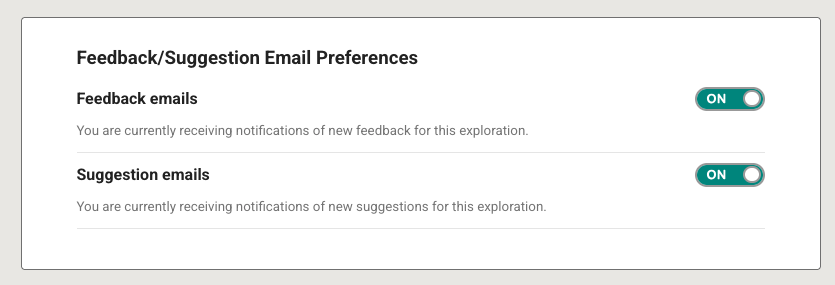
Fig. 1. Feedback email preferences in Lesson settings