Add prerequisite and acquired skills to a lesson
In this article, you will learn how to:
Prerequisite skills
Prerequisite skills are concepts a learner should already understand before beginning a new lesson. These are foundational skills that support the learner as they advance into a topic.
These skills help generate review questions at the beginning of a lesson, which help determine whether the learner is ready to move forward or needs to revisit earlier material.
Note
You can add any skill from any topic as a prerequisite skill.
Acquired skills
Acquired skills are skills a learner will learn throughout the lesson. These are directly connected to the lesson’s content. The questions linked to these skills help learners study and practice the lesson content.
Note
Acquired skills must be assigned to the topic before they can be added to a chapter.
Add a skill to a chapter
To add a skill to a chapter:
In the Topics and Skills Dashboard, select the topic that contains the chapter/lesson. This will take you to the Topic Editor.
In the Canonical stories panel, select the story you want to update.
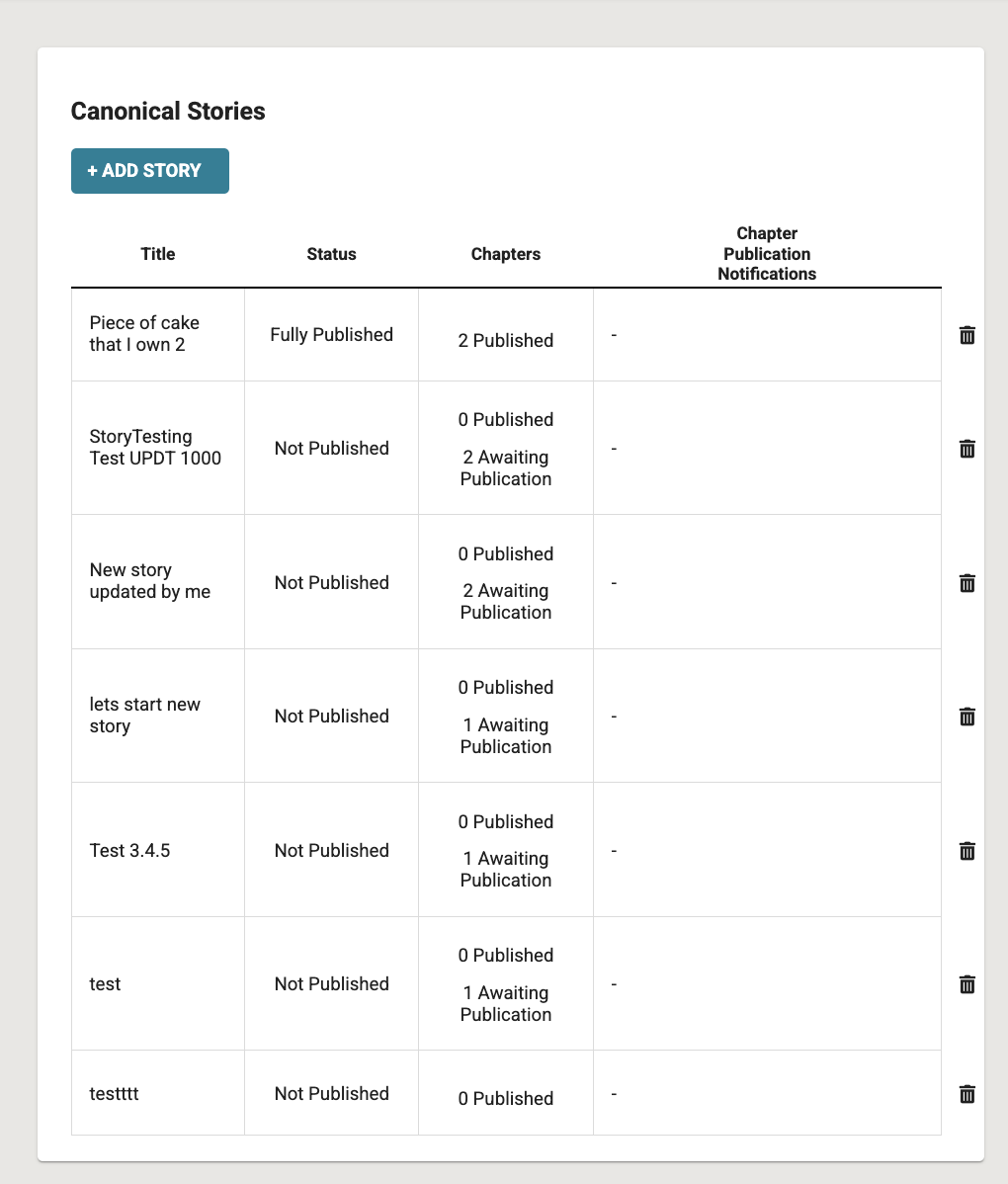
Fig. 1. Canonical Stories panel 3. In the Story Editor, select the chapter you want to update from the Chapters panel.
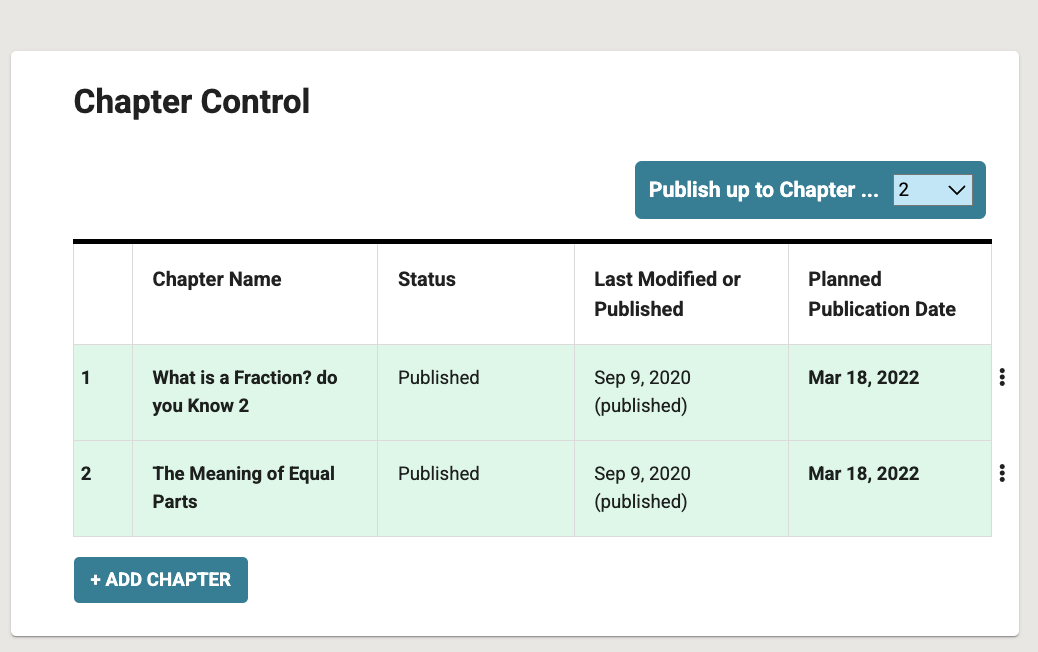
Fig. 2. Chapter Control panel
In the Chapter editor, scroll down to the Skill requirements and achievements panel.
Select +Add prerequisite skill or +Add acquired skill.
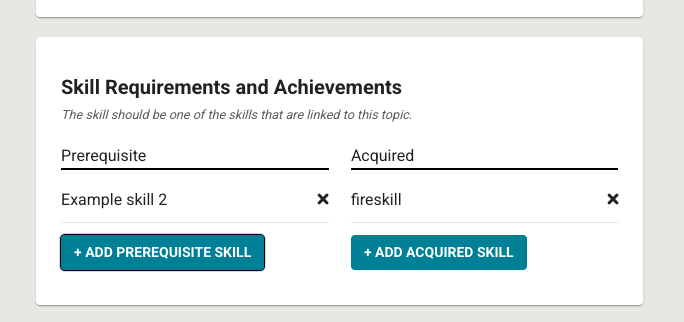
Fig. 3. Skill Requirements and Achievements panel
In the dialog that appears, select the skill you want to add.
Select Save to assign the skill to the chapter.